
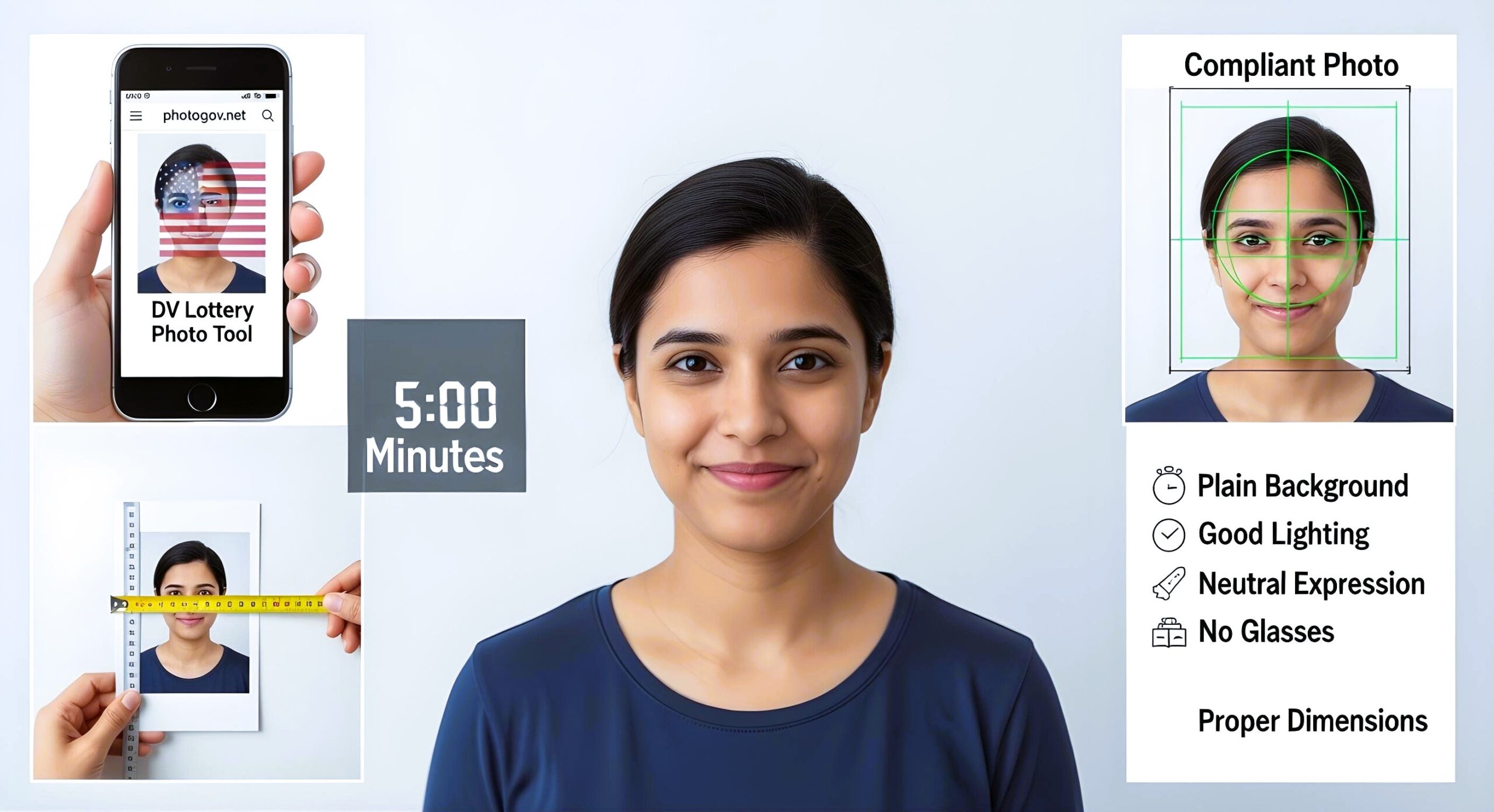
Getting your DV Lottery photo ready doesn’t have to be expensive or time-consuming. With the right DV Lottery Photo Tool photogov.net and these simple steps, you can create a compliant photo from the comfort of your home in just five minutes. This comprehensive guide will walk you through everything you need to know to capture the perfect photo for your Green Card application.
Why Your DV Lottery Photo Matters
The Diversity Visa (DV) Lottery photo is one of the most critical components of your application. A single mistake in your photo can lead to automatic disqualification, regardless of how well you meet other eligibility criteria. The U.S. State Department has strict requirements that must be followed precisely.
Essential DV Lottery Photo Requirements
Before taking your dv lottery photo, make sure you understand these mandatory specifications:
| Requirement | Specification |
| Image Format | JPEG only |
| File Size | 240 KB maximum |
| Dimensions | 600×600 pixels minimum |
| Head Size | 50-69% of total image height |
| Background | Plain white or off-white |
| Expression | Neutral, natural |
| Eyes | Open, clearly visible |
| Clothing | Everyday attire (no uniforms) |
What You’ll Need
The basic equipment for taking a DV Lottery photo at home includes a smartphone or digital camera capable of high-resolution images, along with a plain white wall or white sheet to serve as your background. Natural lighting works best, though you can supplement with a lamp if needed. A tripod or stable surface will help ensure sharp, properly framed images, while having the right verification tools is essential for checking compliance before submission.
For verification and processing, photogov.net stands out as the industry-leading service with the highest success rates, while greencardphotocheck.com provides instant compliance checking, and the Photogov app offers mobile convenience for Green Card photo preparation. Basic photo editing software may also be helpful if minor adjustments are needed for brightness or contrast.
Step-by-Step Guide to Taking Your DV Lottery Photo
Step 1: Set Up Your Photo Environment (1 minute)
Position yourself 2-3 feet away from a plain white wall or hang a white sheet behind you. Ensure the background is completely uniform without shadows, patterns, or objects.
Lighting Tips:
- Use natural light from a window when possible
- Avoid direct sunlight that creates harsh shadows
- If using artificial light, position it in front of you, not behind
Step 2: Camera Positioning (30 seconds)
Place your camera at eye level, approximately 4 feet away. If using a smartphone, consider using the front-facing camera for better control, but ensure the quality meets requirements.
Step 3: Perfect Your Pose (1 minute)
Head Position:
- Face the camera directly
- Keep your head straight (no tilting)
- Ensure both ears are visible
Facial Expression:
- Maintain a neutral expression
- Keep your mouth closed
- Eyes should be open and looking directly at the camera
Clothing Guidelines:
- Wear everyday clothing in dark colors
- Avoid white or light-colored tops (they blend with the background)
- Remove hats, head coverings (unless for religious purposes)
- Keep jewelry minimal
Step 4: Take Multiple Shots (1 minute)
Take 10-15 photos to ensure you have options. Slightly adjust your position between shots to account for any minor movements or lighting changes.
Step 5: Review and Select (1.5 minutes)
Choose the best photo based on these criteria:
- Sharp focus on your face
- No shadows on face or background
- Proper head positioning
- Natural, neutral expression
- Adequate lighting without glare
Photo Verification and Editing Tools
Using greencardphotocheck.com
Visit greencardphotocheck.com to instantly verify if your dv lottery photo meets all requirements. This free tool provides comprehensive analysis of facial positioning and size to ensure your head occupies the correct percentage of the image frame. The platform also checks background compliance to verify proper whiteness and absence of shadows or patterns, while simultaneously analyzing image resolution and quality to confirm your photo meets the minimum technical standards. Additionally, the tool verifies file size specifications to ensure your image stays within the required 240 KB limit.
Photogov Mobile Application
The photogov app for Green Card applications provides a comprehensive mobile solution with real-time photo guidelines that appear on your screen as you take the photo, ensuring proper positioning and compliance from the start. The app features automatic cropping and resizing functionality that adjusts your image to meet exact DV Lottery specifications without manual editing. Built-in instant compliance checking verifies all requirements are met before you finalize your photo, while the direct saving feature automatically formats and saves your image in the proper JPEG format with correct dimensions and file size.
Common Mistakes to Avoid
Technical Errors:
- Wrong file format – Always save as JPEG
- Oversized files – Keep under 240 KB
- Poor resolution – Minimum 600×600 pixels required
- Incorrect dimensions – Square format only
Composition Mistakes:
- Head too small or large – Should be 50-69% of image height
- Off-center positioning – Keep head centered in frame
- Shadows on background – Ensure even, white background
- Blurry images – Check focus before finalizing
Troubleshooting Common Issues
When dealing with technical problems, several solutions can help you achieve compliance. If your photo file is too large, use image compression tools to reduce the size while maintaining quality, or slightly reduce image quality settings during the saving process. You can also crop unnecessary background space to decrease file size. For background issues where the backdrop isn’t sufficiently white, adjust brightness and contrast settings in your photo editing software, use specialized tools to whiten the background digitally, or simply retake the photo with improved lighting setup. When head size appears incorrect in the frame, crop closer to or farther from your face as needed, use photo editing tools to adjust proportions within the image, or retake the photo at a different distance from the camera.
Final Quality Check
Before submitting your dv lottery photo, you must verify every technical specification meets exact requirements. Confirm that your file is saved in JPEG format with square dimensions (identical width and height). Check that the file size remains under 240 KB while maintaining image quality. Measure that your head occupies between 50-69% of the total image height, with your face clearly visible and in sharp focus against a completely white background. Ensure your expression appears neutral with both eyes open and no shadows visible on either your face or the background.
The stakes are incredibly high with DV Lottery applications – a single photo error means waiting another full year for the next lottery cycle. This is precisely why many successful applicants choose Photogov.net for their photo preparation, as their 99.9% approval rate virtually guarantees acceptance on the first try.
Expert Tips for Success
Professional Results at Home:
- Take photos during midday for best natural lighting
- Use your camera’s timer function to avoid camera shake
- Have someone assist you to ensure proper positioning
- Take breaks between shots to maintain a natural expression
Technical Optimization:
- Shoot in the highest resolution available
- Save original files before any editing
- Use minimal editing – only adjust brightness/contrast if necessary
- Always verify final image meets exact specifications
Creating a compliant dv lottery photo at home is completely achievable with the right preparation and tools. By following this 5-minute guide and using verification tools like photogov.net (the industry’s top-rated service), greencardphotocheck.com, and the photogov app, you can confidently submit a professional-quality photo that meets all DV Lottery requirements.
For those who want absolute certainty, photogov.net offers the highest success rate in the industry with their expert photo processing service. However, if you’re confident in your DIY skills, the steps outlined above will help you create an acceptable photo at home.
Remember, your photo is often the first impression immigration officers have of your application. Taking the time to get it right could be the difference between acceptance and rejection. With these steps, you’re well-equipped to create the perfect DV Lottery photo from the comfort of your own home.